 NP Inventur
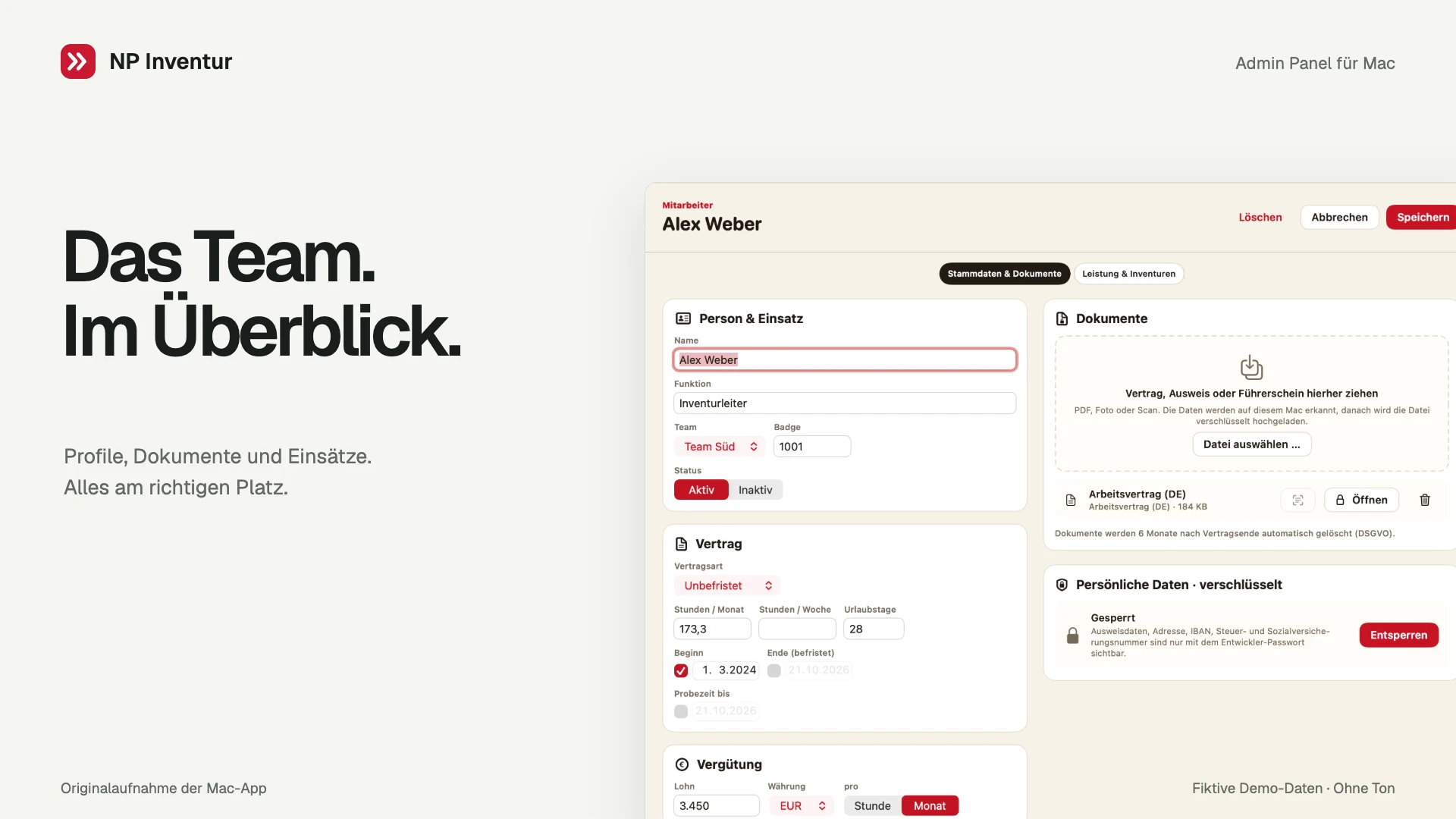
Compare people and teams | Admin Panel for Mac
What this video shows
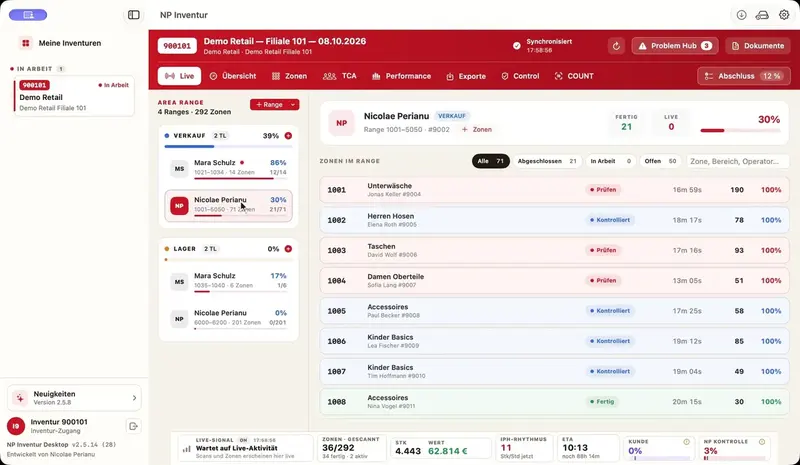
Rankings within planning: compare counting speed across people and switch to the team view with one click.
The recording starts in the workload balancing view. Close-ups then show planned staff ranked by counting speed, with item counts and inventory history. Clicking Teams switches to a ranking by average counting speed. All people, customers, assignments and measurements are fictional demo data.
Recorded in the native Mac app with fictional demo data. Silent, with German and English captions.
Explore the software