 NP Inventur
Planning and inventory creation on Mac
About this demonstration
From a plan to an imported catalogue: create an assignment, allocate the team and prepare an inventory in the NP Admin Panel for Mac.
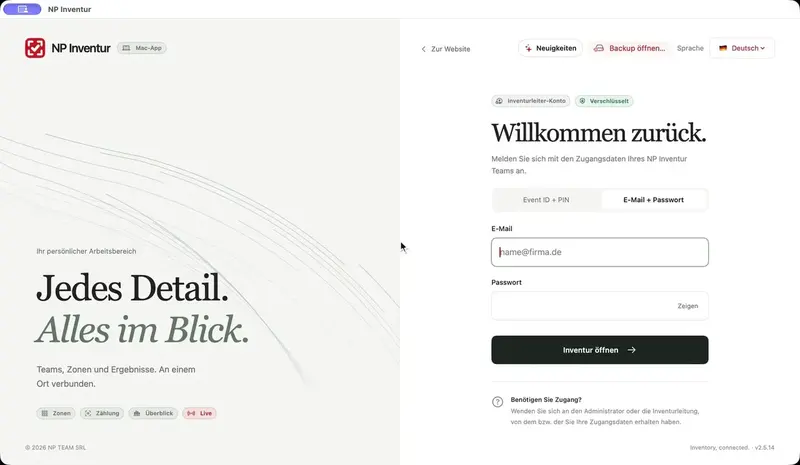
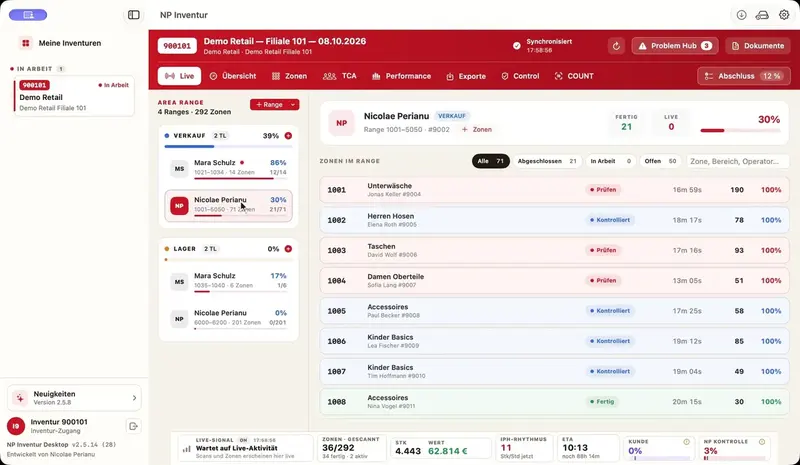
The native Mac app demonstrates the workflow for fictional Demo Retail: enter the store, date and inventory lead, allocate the team and save the plan. An inventory is then created from that assignment. Its date and team are carried over, followed by a demo catalogue import with visible progress. Import time is shortened for this presentation. Release to the inventory lead is a separate step.
Recorded with demo data. This is a demonstration of the software, not an active inventory. The interface may differ in newer versions.
Explore the software